Kinfo

Stay verified. Keep your edge.

Edge Protection hides your executions from everyone on Kinfo while your results stay public and broker-verified.
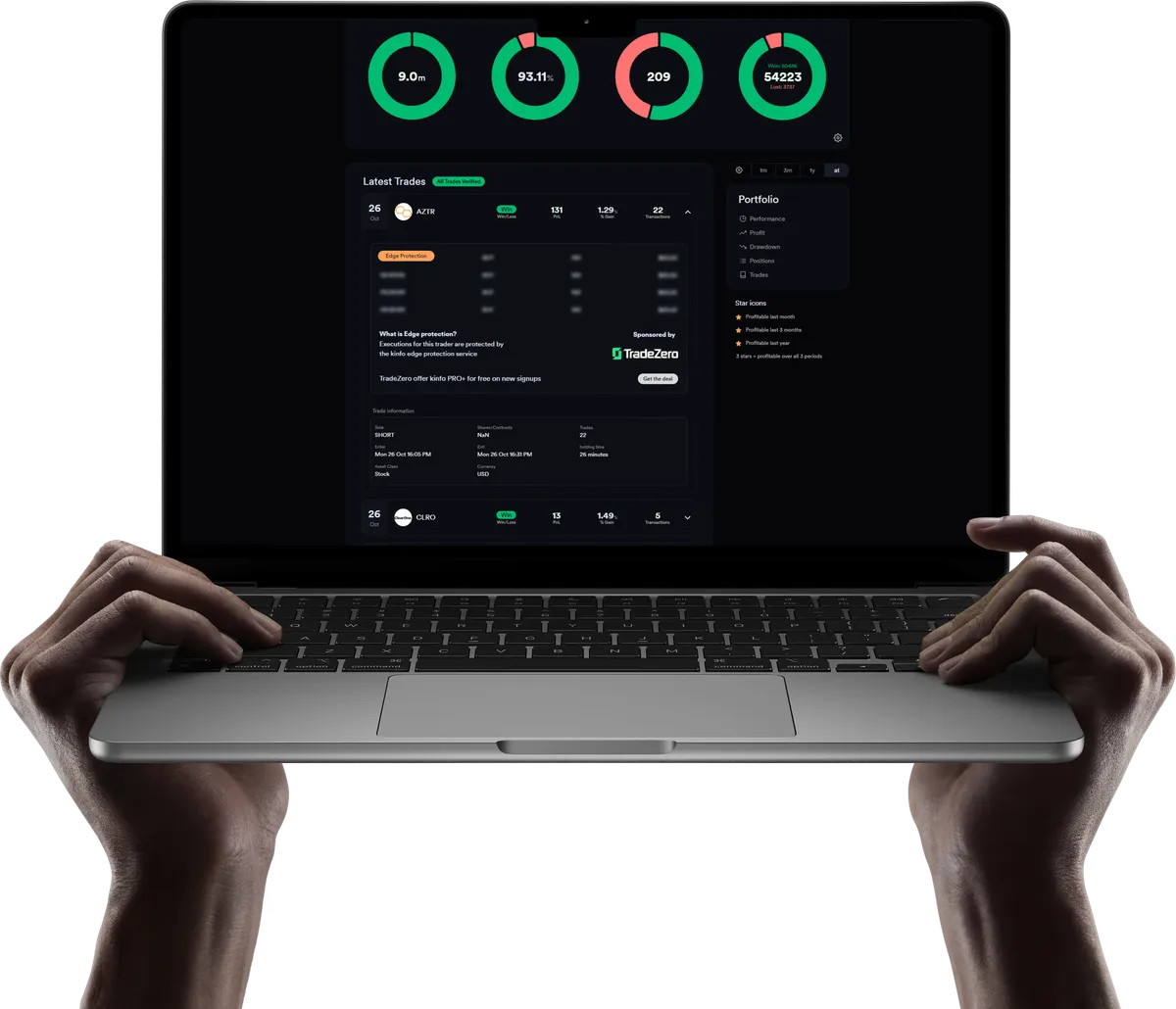
Kinfo portfolio on a laptop showing a trade hidden by Edge Protection

Why good traders stay private

Most profitable traders never show their trades. Not because the results are bad, but because the trades are the strategy.

The trades are the strategy

A trade list tells people what you bought. The executions tell them how: where you scaled in, where you cut, how long you held, which fills you took. Post enough of those and someone can rebuild your setup from the timestamps.

Crowded setups stop working

When the same entry is hit by a hundred accounts instead of one, fills slip and the move is half over by the time you're in. Research on published strategies puts the damage at roughly half the returns once a method becomes widely known. In low-float names it happens faster.

So good traders stay private

The careful trader shows nothing. Which means nobody can verify them, and a track record built over years is worth nothing to anyone else.
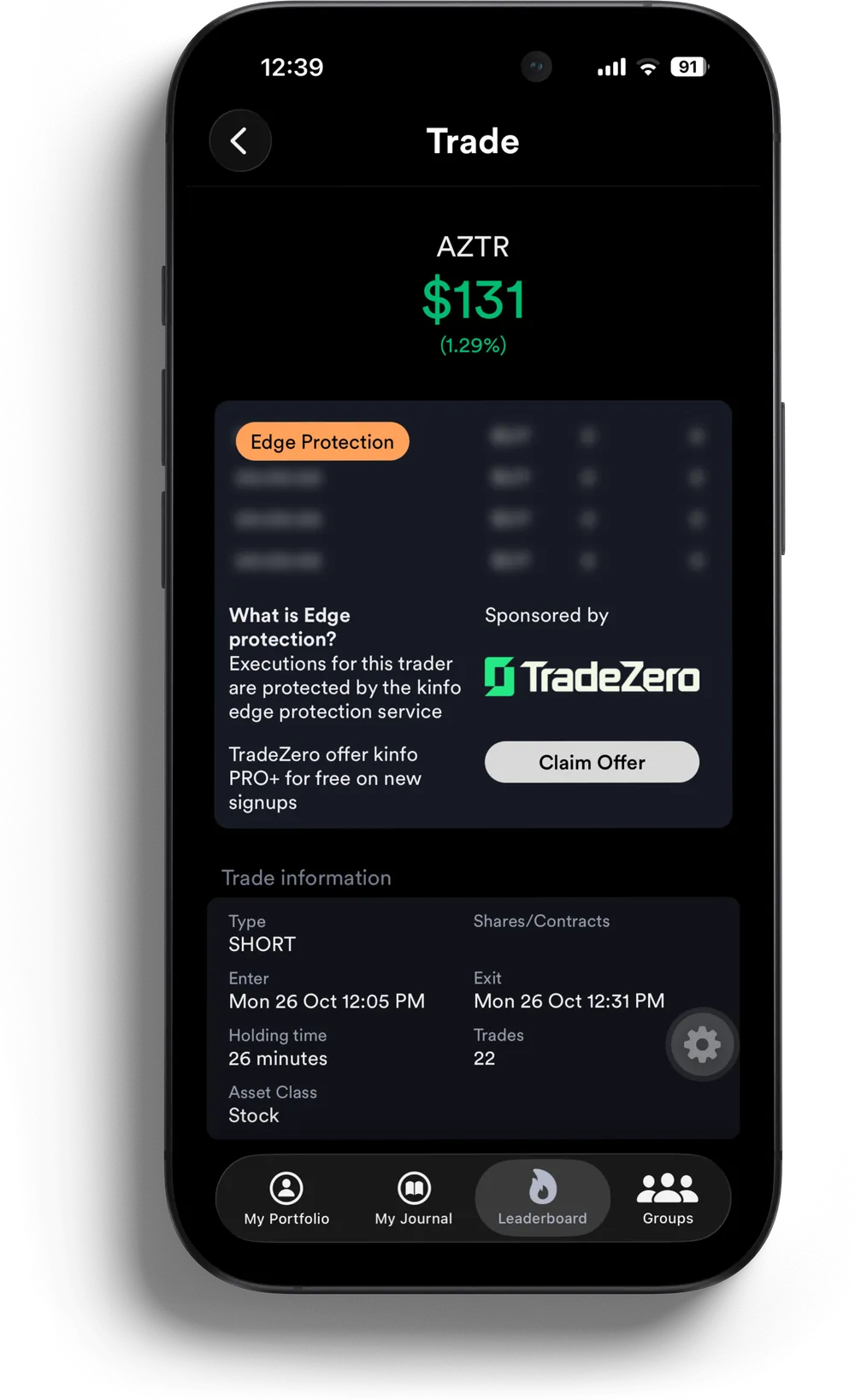
Kinfo mobile trade view with every execution marked as protected

What Edge Protection does

Turn it on and your individual executions are hidden from every other user, free or paid. Nobody sees your fills, your prices, or how you built a position. What stays visible is the part that proves you: symbol, date, win or loss, PnL, and the verified badge that says the numbers came straight from your broker.
Executions hidden from everyone but you
Results stay public and broker-verified
You still count on the leaderboard
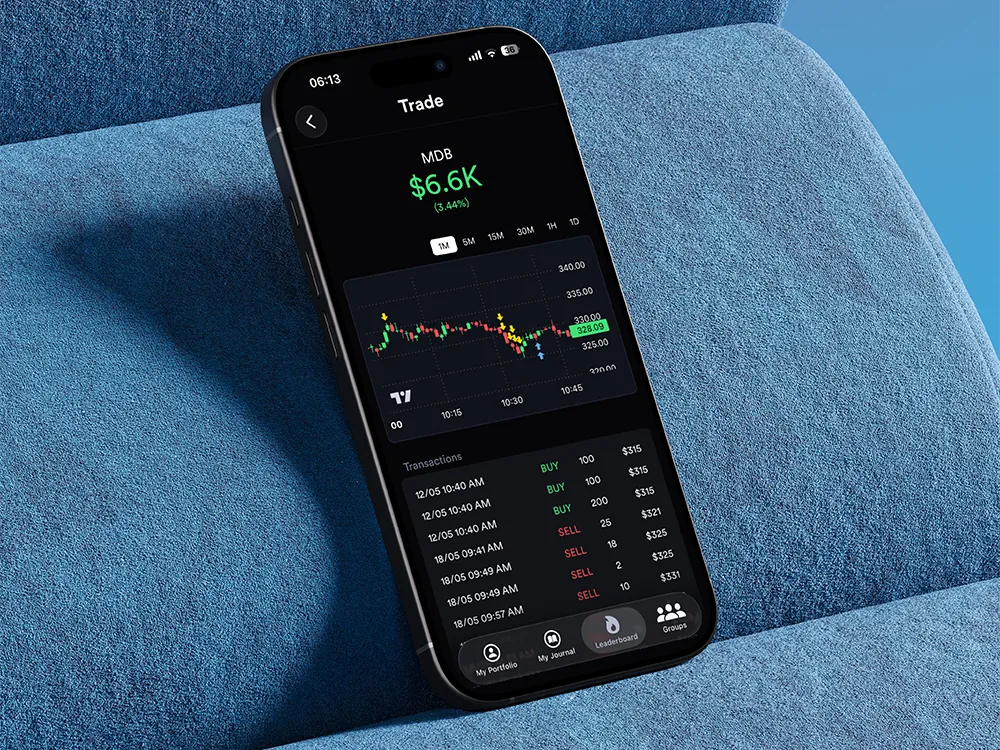
Kinfo app open on a phone showing a verified trade

Who it's for

If your edge is risk management and discipline rather than a specific setup, you may not need this. Plenty of traders on Kinfo show everything. Edge Protection is for the ones who can't.

You have a setup that works and want it to keep working
You trade small caps or anything thin enough that copied orders move the price
You want a verified profile for a prop firm, investors or a community, without exposing how you trade

Edge Protection is included in Kinfo PRO+. Enable it under Sharing options in your profile settings and it applies to all your trades.

Frequently asked questions

Prove the results. Keep the method.

Sign up, link your broker, enable Edge Protection.

Get Started